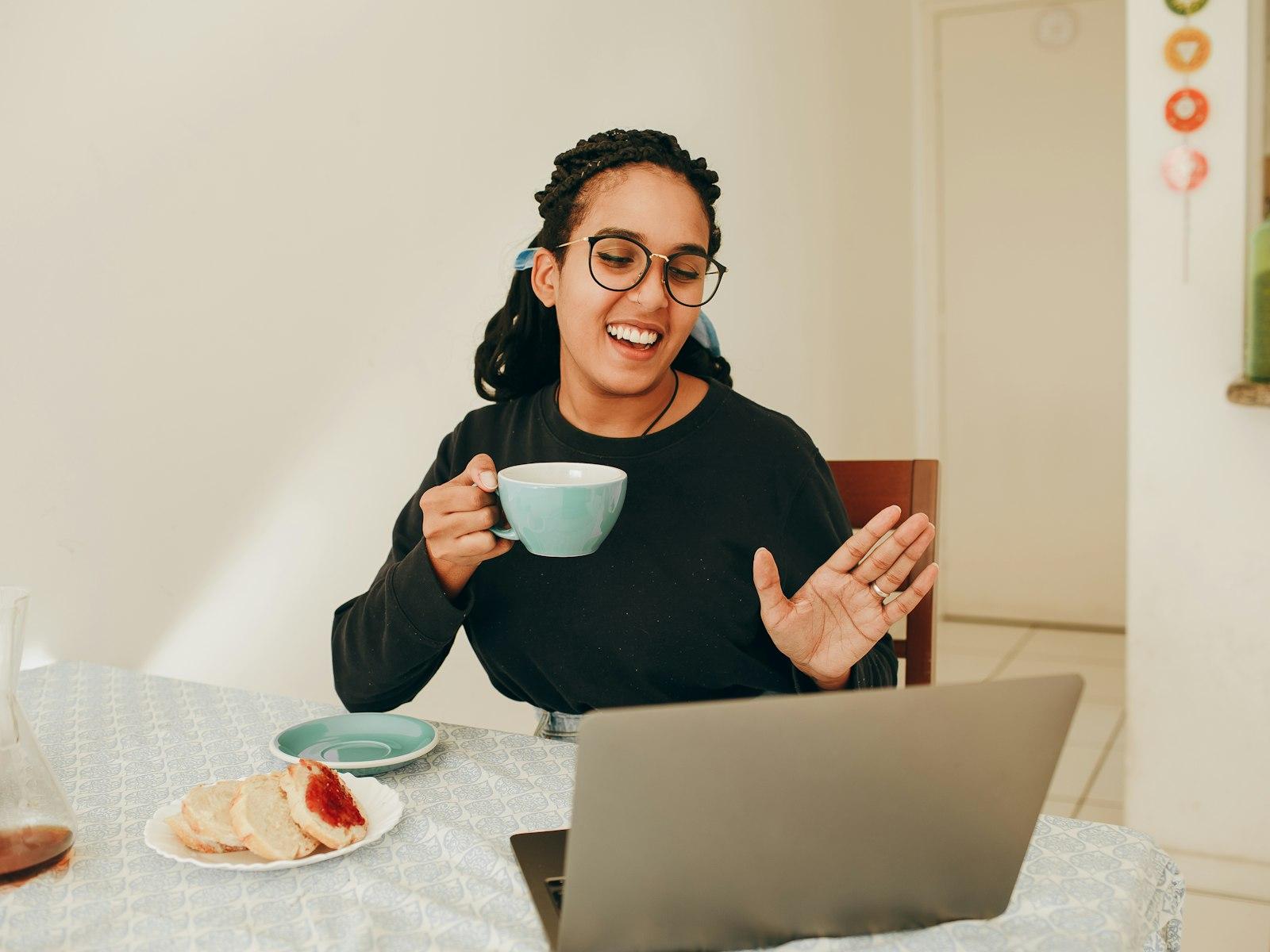
A live classroom in the browser
Video, screen sharing, a whiteboard, raised hands. It works on a phone too.
How it works
A few steps from choosing a course to your first lesson.
No hunting for links, nothing to install. Everything is in your dashboard.
Filter by category, price, lesson time and reviews.
Many courses have a free or discounted trial lesson.
Secure card payment. Monthly courses renew automatically.
The "Join lesson" button in your dashboard becomes active 15 minutes before the lesson.
The recording appears in your dashboard shortly after the lesson ends.
Your child's lessons, attendance and payments in one place. You're also the one who messages the teacher.
Young children don't open their own account. They join lessons from the parent's account.
They have their own account, but enrolment and payment need a parent's approval.
Attendance, recordings, assignments and the teacher's notes on one page.
Teachers who open kids' courses have their identity checked, kids' lessons are always recorded, and a teacher can't message a child privately without the parent.
How a lesson goes
Video, screen sharing, a whiteboard, raised hands. It works on a phone too.
Missed a lesson? Pick up where you left off.
Who came, how many minutes they stayed, how the homework is going: parents see it every month.
Pay online by card. If the lesson doesn't happen, you get your money back.